Poor dust collector debugging causes pollution and fines; master skills to ensure shot blasting machine compliance.
This guide details shot blasting machine dust collector debugging steps and environmental compliance tips, helping avoid pollution risks in shot blasting.
Explore below to master dust collector debugging and compliance for shot blaster.
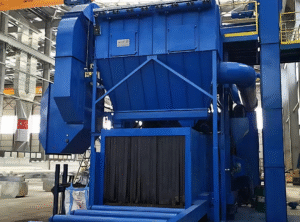
What Are the Key Steps to Debug Shot Blasting Machine Dust Collector?
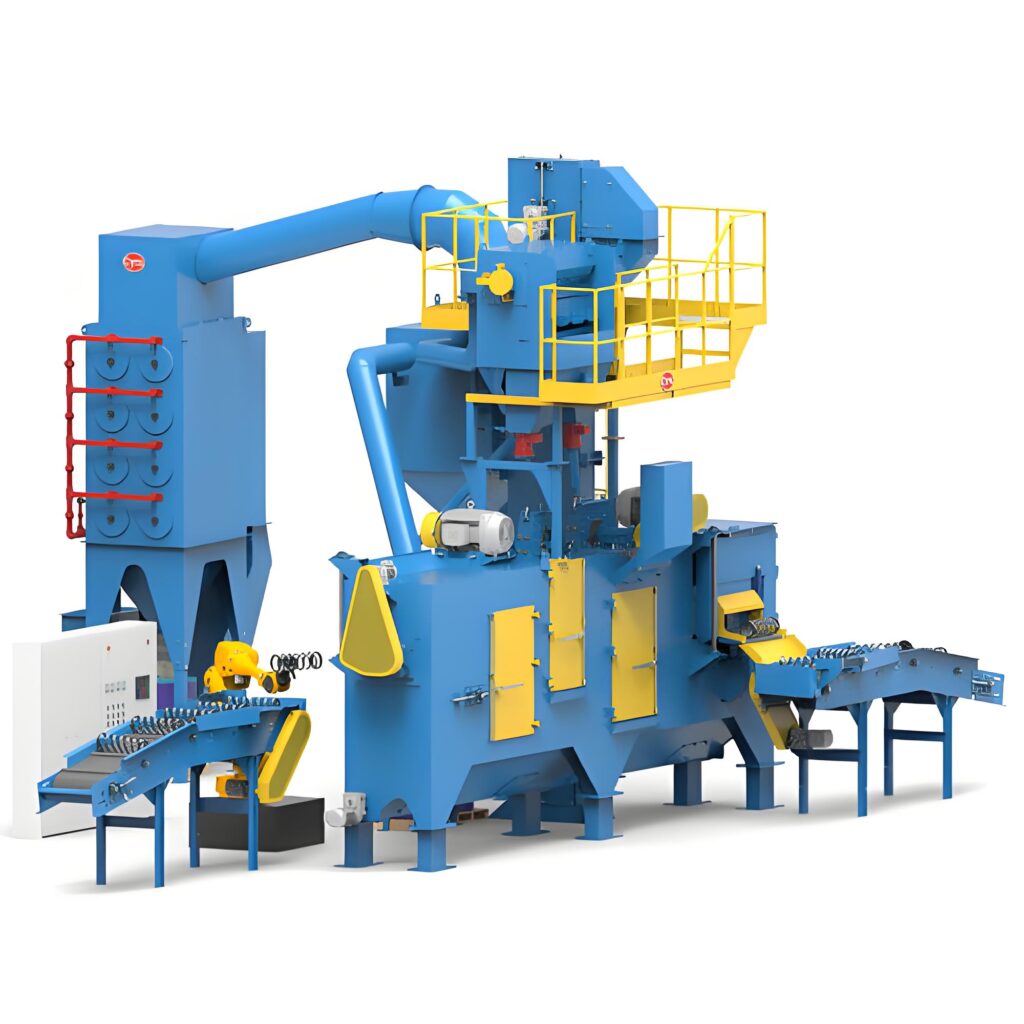
Debugging the dust collector is crucial for the normal operation of a shot blasting machine and ensuring clean shot blasting. First, pre-debugging inspection: Check if the dust collector’s components (filter cartridge/bag, fan, air duct, ash discharge device) are intact, free of loose connections or blockages. Verify that the shot blaster’s dust duct is tightly connected to avoid air leakage, which reduces dust collection efficiency. Second, fan debugging: Start the fan and adjust its speed gradually—ensure the air volume meets the shot blasting machine’s dust emission requirements. Listen for abnormal noise from the fan; if there is vibration or noise, check if the impeller is stuck by debris or if the bearing lacks lubrication. Third, filter debugging: For cartridge/bag filters, test the pulse cleaning system—adjust the cleaning interval and air pressure to ensure filters are not clogged. Check the filter’s sealing performance; any air leakage will cause dust to escape during shot blasting. Fourth, ash discharge system debugging: Ensure the ash discharge device (screw conveyor, ash bucket) operates smoothly, avoiding dust accumulation. After debugging, run the shot blasting machine for 30 minutes to test dust collection effect and make fine adjustments. These steps ensure the dust collector works efficiently with the shot blaster.
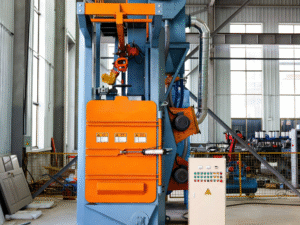
What Common Issues Occur During Dust Collector Debugging of Shot Blasting Machine?
During shot blasting machine dust collector debugging, several common issues may affect efficiency and compliance, requiring targeted solutions. First, insufficient dust collection: This is usually caused by air leakage in the duct or insufficient fan air volume. Seal the duct joints with sealant and increase the fan speed appropriately. Second, frequent filter clogging: It may result from damp dust or improper cleaning parameters. Replace damp filters and adjust the pulse cleaning interval to 10-15 seconds. Third, fan overheating: Overheating is often due to excessive load or blocked air ducts. Clean the air duct and reduce the fan speed to a reasonable range. Fourth, ash discharge blockage: This is caused by excessive dust accumulation in the ash bucket. Clean the ash bucket in time and check if the ash discharge device is worn. Fifth, dust emission exceeding standards: It may be due to damaged filters or improper fan adjustment. Replace damaged filters and re-calibrate the fan speed. Addressing these issues promptly ensures the shot blasting machine’s dust collector meets design requirements for shot blasting.
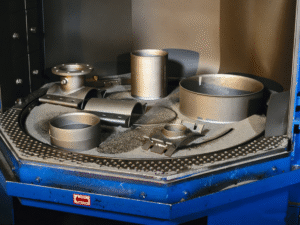
How to Achieve Environmental Compliance for Shot Blasting Machine Dust Collector?
Achieving environmental compliance for the shot blasting machine dust collector is mandatory for shot blasting operations, avoiding fines and pollution. First, select compliant equipment: Choose a dust collector that meets local environmental standards (e.g., dust emission concentration ≤10mg/m³) and matches the shot blaster’s dust output. Opt for high-efficiency filters (HEPA filters) to improve dust removal efficiency. Second, standardize debugging operations: Strictly follow the debugging steps to ensure the dust collector’s air volume, negative pressure and dust removal efficiency meet requirements. Conduct a dust emission test after debugging; if it exceeds the standard, adjust parameters immediately. Third, regular maintenance: Clean or replace the dust collector’s filter regularly (every 3-6 months for shot blasting machines in continuous use) and inspect the fan, air duct and ash discharge device. Timely replacement of worn parts prevents dust leakage. Fourth, optimize shot blasting process: Reduce dust generation by using low-dust abrasives and controlling the shot blasting intensity of the shot blaster. Keep the shot blasting area sealed to avoid dust diffusion. Fifth, establish monitoring records: Regularly test dust emission and record debugging, maintenance and test data to meet environmental inspection requirements.
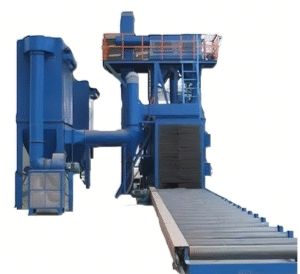
What Precautions Should Be Taken During Dust Collector Debugging of Shot Blasting Machine?
Taking proper precautions during shot blasting machine dust collector debugging ensures safety and debugging effect. First, safety protection: Operators must wear dust masks, goggles and protective clothing to avoid dust inhalation during debugging. Do not open the dust collector or air duct while the shot blaster is running. Second, power safety: Cut off the shot blasting machine’s power before inspecting the dust collector to prevent accidental startup. Third, step-by-step operation: Do not rush to adjust multiple parameters at once; debug the fan, filter and ash discharge system one by one to avoid system confusion. Fourth, professional operation: Debugging should be conducted by professional technicians familiar with the shot blaster and dust collector structure. Avoid unauthorized operation to prevent equipment damage. Fifth, environmental protection: Collect and dispose of the dust cleaned during debugging properly, do not dump it randomly to avoid secondary pollution. Following these precautions ensures safe, efficient debugging and environmental compliance of the shot blasting machine.
Conclusion
Master dust collector debugging and compliance tips for safe, eco-friendly shot blasting.
E-mail:[email protected]