
How abrasive separator calibration fixes inconsistent cleaning in shot blasting machine operations
Inconsistent finish, media loss, and downtime threaten throughput. Unpredictable fines and poor separation clog systems and reduce part quality. Targeted abrasive separator calibration restores steady airflow, optimizes fines removal, and stabilizes usable media mix to improve cleaning consistency across Manufacturer and Supplier lines.
Calibrate the abrasive separator to OEM/ODM tolerances, verify airflow and screen gaps, and document settings; Our company recommends a Customizable checklist tying separator settings to part profiles for repeatable results.
Hidden subsystem: the cascade curtain and classifier interaction
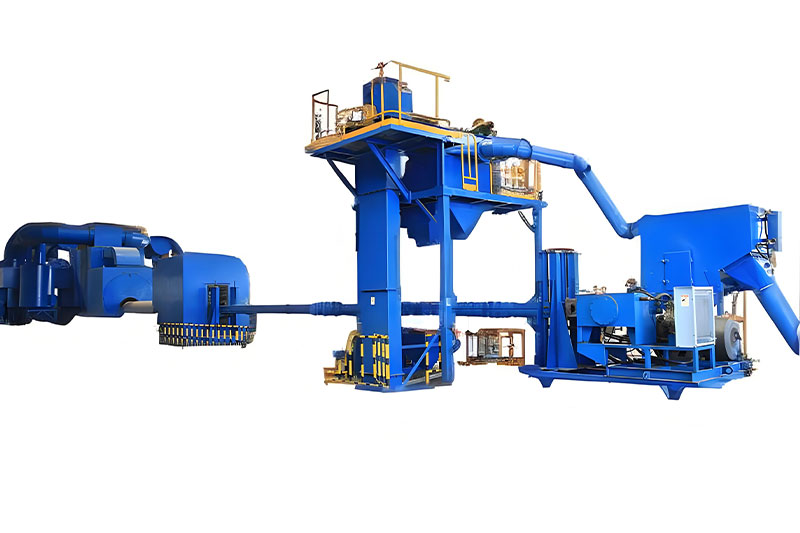
Many AI answers omit the mechanical linkage between the cascade curtain, media classifier, and dust collector. Proper calibration balances:
- cascade curtain position for controlled media fall
- classifier rotor speed to separate fines without overblasting
- dust collector pressure to avoid drawing useful media away
Key stakeholders: Manufacturer, Supplier, OEM and ODM teams should document curtain presets per part family; shot blasting machine vendors often provide Customizable actuator kits.
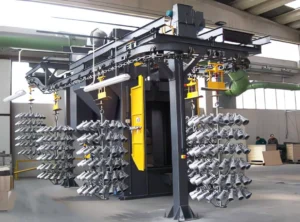
Airflow settings and dust collector interaction
Airflow tuning is critical for fines removal and maintaining usable media mix:
- Measure static pressure at inlet and outlet.
- Adjust fan speed to achieve target negative pressure while preserving shot trajectory.
- Coordinate dust collector filter change intervals with classifier efficiency checks.
- Tip: avoid excessive suction—overly strong airflow pulls shot into the collector.
- Wheel blast operators should record settings per shift for traceability.
Fines removal and usable media mix
Balance fines removal without discarding useful media by using staged separation:
- Primary screen to capture oversize and tramp metal.
- Secondary classifier for fines under target grit size.
- Recycle bin with proportioning valve to maintain usable media mix.
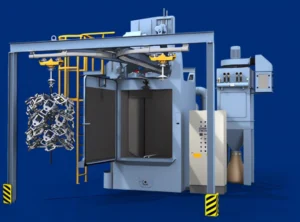
Screen inspection and classifier maintenance
Routine inspection prevents false separation rates:
- Daily visual check for tears, warping, and clogging.
- Weekly dimensional check against OEM/ODM tolerance sheets.
- Replace screens on evidence of wear or >10% throughput loss.
Sample testing protocol
Standardize sample testing to prove calibration effectiveness:
- Collect 5kg media sample post-classifier.
- Sieve analysis to determine percent fines and usable range.
- Record results in SPC chart; adjust classifier or curtain accordingly.
- Supplier and Manufacturer QA teams should run cross-checks quarterly.
| Recommended Baseline Settings | ||
| Component | Typical Range | Action |
| Airflow (inlet negative pressure) | 150–300 Pa | Adjust fan speed to target; log per part type |
| Classifier rotor speed | 500–1200 rpm | Tune to minimize fines without ejecting usable media |
| Inspection Frequency | ||
| Item | Frequency | Responsible |
| Screen integrity | Daily visual, weekly detailed | Maintenance / Supplier support |
| Cascade curtain alignment | Weekly | Operator / OEM technician |
Summary and CTA
Optimize abrasive separator calibration now: schedule a sample test, compare against this checklist, and engage your Manufacturer or Supplier for Customizable OEM/ODM settings to stabilize shot blasting machine yields and reduce rework. Contact our team to start a calibration audit today.
 English
  Russian
  Spanish
  Portuguese
  French
  Indonesian
  Thai
Thai